How COD Verification Works
When a customer places a Cash on Delivery order on Shopify, Level automatically sends a WhatsApp message asking them to confirm or cancel.
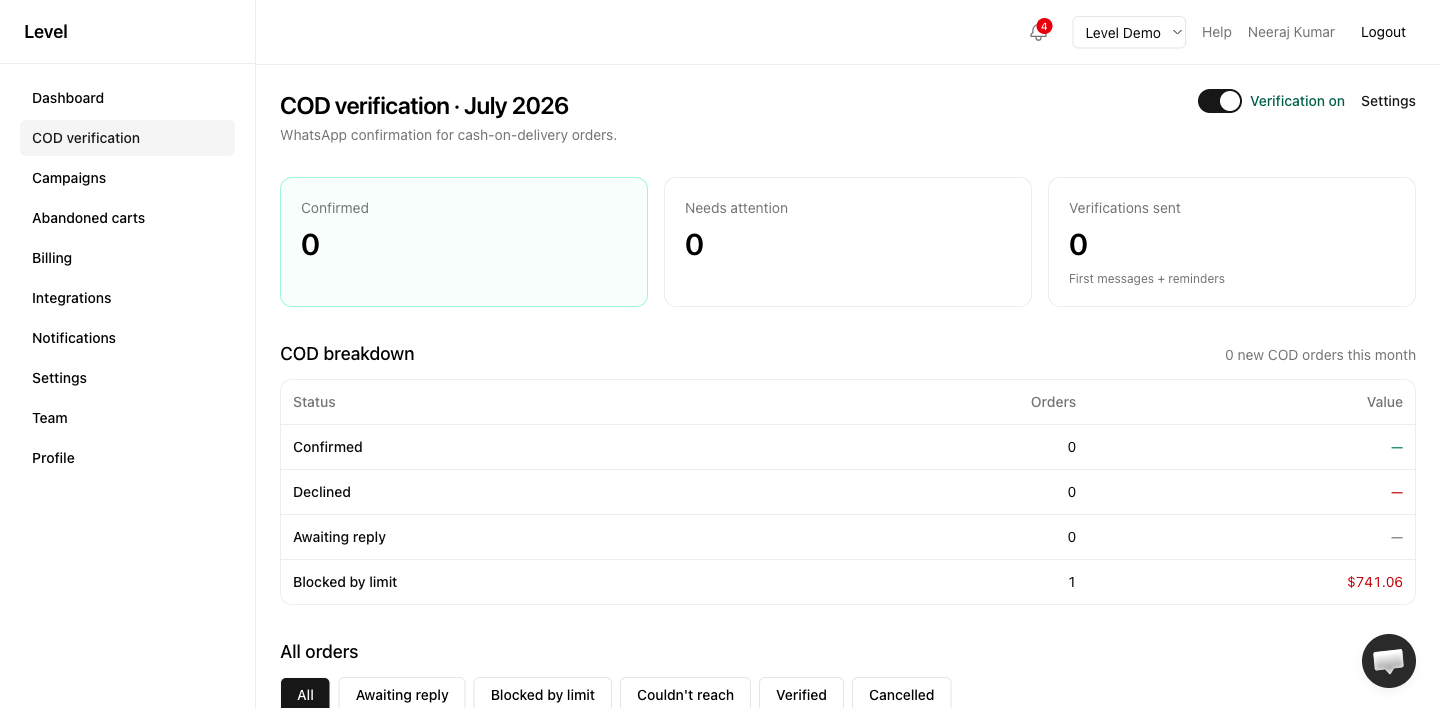
The flow
- Order created — The moment a COD order is placed, Shopify notifies Level.
- Verification sent — The customer receives a WhatsApp message with Confirm and Cancel buttons.
- Customer responds — Tap Confirm → verified. Tap Cancel → cancelled.
- Shopify updated — Tags, notes, and (if the customer cancelled) the order cancellation appear on the order in Shopify.
- Optional prepaid offer — If Convert COD to prepaid is on, Level can send a discounted pay-online link after confirm. When the customer pays, the COD order is cancelled and replaced by the new prepaid order.
- Follow-ups (Starter and up) — Customers who don’t reply get reminders, and unconfirmed orders can auto-cancel after a timeout.
COD detection
Level treats an order as COD when the payment method indicates cash on delivery. If verification doesn’t trigger, see COD not detected.
Message category
COD verification messages are utility messages under Meta’s policies — they are transactional, not marketing. This means they are not subject to the same marketing frequency caps as abandoned cart and campaign messages.
Customer experience
See Customer experience for what shoppers see on WhatsApp.
Rule-based controls
Level supports two complementary rule systems:
- COD availability at checkout — Hide COD in Shopify checkout before the order is placed (by cart value, PIN code, products, collections, or customer tags).
- Verification skip rules — Skip the WhatsApp message for matching COD orders after checkout.
You can use either or both. For example, hide COD below ₹500 at checkout, and still verify all COD orders that do get placed.
Configuration
Need help for COD verification?
- — live chat on this page
- Contact form — email the Level team
- Open Level app — in-app Help button for account-specific issues
- Troubleshooting guides