Shared Number
The shared number is Level’s WhatsApp Business number. Customers see messages from Level’s number — no Meta Business Manager setup required.
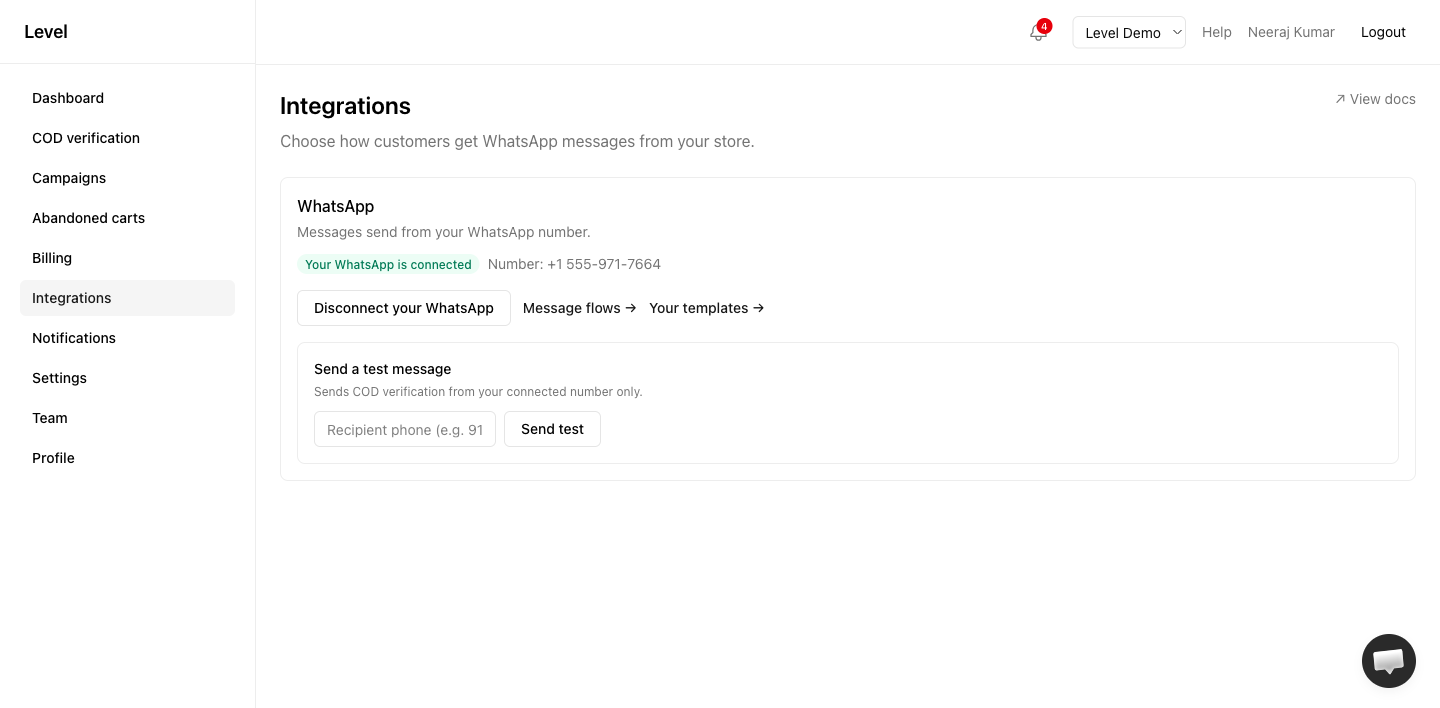
Who uses it
- Free and Starter plans (required — BYO not available)
- Pro merchants who haven’t connected their own number yet
- Any merchant during initial setup before BYO is complete
How it works
- Install Level from Shopify
- COD verification works immediately — no WhatsApp configuration needed
- Customers receive messages from Level’s shared WhatsApp number
- Templates are managed by Level (view-only in Message flows)
Billing
| Plan | Shared number billing |
|---|---|
| Free | 50 included messages/month, then pause |
| Starter/Pro | Unlimited sends; pay per delivered message via Shopify |
See Plans & entitlements.
Limitations
- You cannot customize shared-number templates (admin-managed)
- Your brand name appears in message content, not as the sender number
- Campaigns are not available on the shared number — connect BYO on Pro+
- Upgrade to Pro to connect your own number
Switching to BYO
Pro+ merchants can connect their own WhatsApp number at any time. Until setup is complete, messages continue from the shared number. Free and Starter see Upgrade to Pro for your own number on the WhatsApp page. See BYO setup.
Related
Last updated on